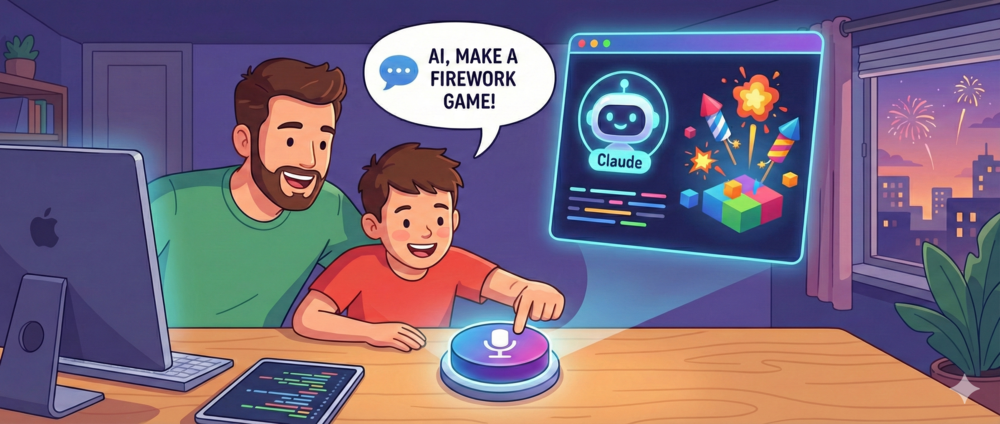
A few years ago, I tried to get my then 10-year-old son interested in programming. We got an Arduino kit, sat down together, and spent what felt like forever just to get a single LED to blink. The code was too hard for him and it took too much of his concentration to go through this boring (for a 10-year-old) process. This didn’t ignite his enthusiasm for my profession.
Fast Forward: The Firework Game
It was just after New Year’s Eve when my youngest son announced he wanted to create a game. A firework game. The timing made sense.
He’d seen me working with AI tools a lot recently. And when I had to build a Cookie Clicker game for my presentation at Techniek College Rotterdam, he watched me do it with Claude. That sparked something. He wanted to create his own game the same way.
I opened Claude and gave it one simple instruction: “Make an artifact simple HTML+javascript. No React.” Then I handed the keyboard to my son, or actually a simple button press, as we speak our instructions via Wispr Flow instead of typing. This greatly reduces friction, because talking is something 10-year-olds can do really well.
We discussed a bit together before pressing the button to activate Wispr Flow. Think clearly about what you want, and describe it step by step. He came up with this:
We maken een webpagina voor vuurwerk. Allemaal verschillende soorten vuurwerk maar wel sier vuurwerk.
- We willen een vuurpijl, dat in de lucht vliegt als we ergens drukken. Dat hij na drie seconden in de lucht vliegt en dat hij dan, als hij helemaal bovenaan de lucht is, dat hij dan ontploft met alle mooie kleuren.
- Wij weer een fonteintje na wat 3 seconden dan de lucht in spuit met allemaal mooie kleuren. Maar het vuurwerk blijft staan op de plek waar het stond dus er spuit allemaal kleur in de lucht in.
- We willen ook een doos die je dan neerzet met vijf vuurpijlen erin. En die spuiten dan na drie seconden allemaal de lucht in en dan gaan ze allemaal uit elkaar splashen met allemaal kleuren, maar het moet kleiner dan de vuurpijl.
We are making a webpage for fireworks. All different kinds of fireworks but decorative fireworks.
- We want a rocket, that flies into the air when we press somewhere. That after three seconds it flies into the air and that then, when it is all the way at the top of the sky, that it then explodes with all the beautiful colors.
- We want a little fountain that after like 3 seconds then sprays into the air with all beautiful colors. But the firework stays standing in the place where it stood so all color sprays into the air.
- We also want a box that you then put down with five rockets in it. And those then all spray into the air after three seconds and then they all splash apart with all colors, but it has to be smaller than the rocket.
Within minutes, we had a working firework simulation. Rockets flying up. Explosions. Fountains. My son was enthusiastic to go forward and improve the game.
Initial version:

Fun fact: for me and most software engineers, this is already amazing. But for my son it was not at all. He was not amazed, but mainly full of energy to keep going. For him it was just some new cool tool he learned.
From 2D to 3D
After a few iterations, we had a nice working 2D firework page. Then my son had the idea to make it 3D.
I already started to explain that that might be too hard. Wanting to manage expectations, because I immediately thought it was too complex for a single page HTML game.
I was wrong.
We gave it a shot and it transformed into a somewhat working 3D game. There were some bugs, which we managed to fix with a few prompts.
The Real Win
This made my son enthusiastic to work with the computer and make something. It triggers his creativity. The next day he grabbed his iPad, opened ChatGPT and tried other things, like creating images. He’s been playing with it ever since, coming up with new ideas, iterating, experimenting.
The downside? He now thinks my job is simple…
Try It Yourself
The firework game is live: Firework Game
He’s already moved on to new projects. You can see his growing collection here: All Games
If you have kids who are curious about creating things, maybe skip the Arduino for now. Hand them an AI assistant and let them talk. Just make sure to add in your prompt to have a single HTML file: “Make an artifact with simple HTML+javascript. No React.” You might be surprised what they build.
Related Articles
My AI Writes Code. Yours Can Too.
A detailed look into my personal workflow using AI tools to enhance productivity and creativity in my projects.
AI tools can be funny
When I asked Claude to build something technically impossible, it refused to do the work. Is this AI pushing back? A humorous look at what happens when you push an AI assistant's limits.
Kotlin's LSP Problem is Real
I just want to click through code. The state of Kotlin's LSP is driving me away from the language.